
Details
DRM: Readium LCP DRM
Weitere Details
Beschreibung
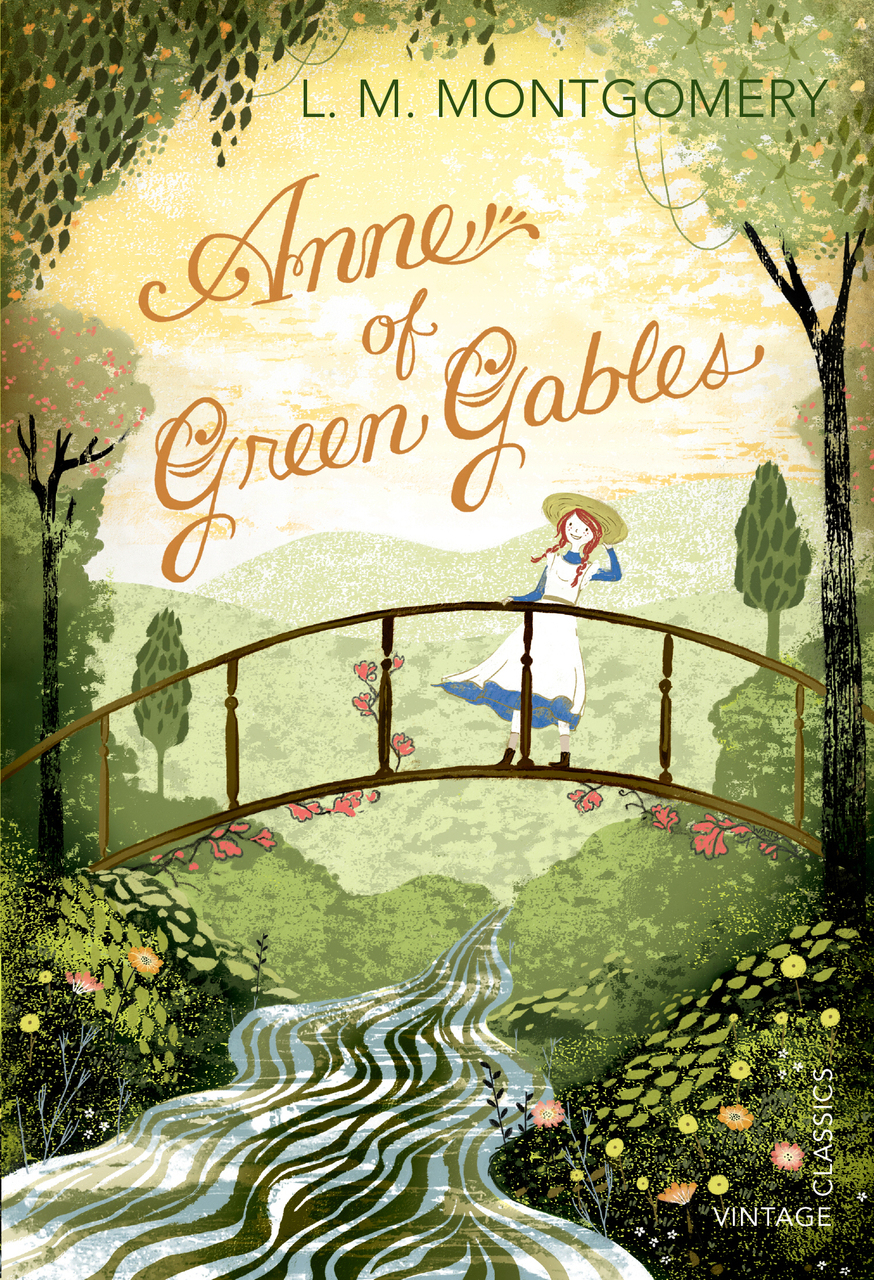
Its a million times nicer to be Anne of Green Gables than Anne of nowhere in particular, isnt it?
My dislikes: Being an orphan, having red hair, being called carrots by Gilbert Blythe.
My likes: Living at the Green Gables with Marilla and Matthew, my bosom-friend Diana, dresses with puff sleeves.
My regrets: Dying my hair green. Smashing a slate over Gilbert Blythes head.
My dream: To tame my temper. To be good (this is an uphill struggle). To grow up to have auburn hair!
Includes exclusive material: In the Backstory you can find out about the real Green Gables, the plucky author and more!
Vintage Childrens Classics is a twenty-first century classics list aimed at 8-12 year olds and the adults in their lives. Discover timeless favourites fromPeter PanandAlices Adventures in Wonderlandto modern classics such asThe Boy in the Striped PyjamasandThe Curious Incident of the Dog in the Night-Time.
Über L M Montgomery
Inhalt
Schlagzeile
Mark Twain called Anne 'the dearest and most moving and delightful child since the immortal Alice'. The story of how a bad-tempered, naughty, red-haired orphan charmed a whole town.
E-Book Informationen
Alle hier erworbenen E-Books können Sie in Ihrem Kundenkonto in die kostenlose PocketBook Cloud laden. Dadurch haben Sie den Vorteil, dass Sie von Ihrem PocketBook E-Reader, Ihrem Smartphone, Tablet und PC jederzeit auf Ihre gekauften und bereits vorhandenen E-Books Zugriff haben.
Um die PocketBook Cloud zu aktivieren, loggen Sie sich bitte in Ihrem Kundenkonto ein und gehen dort in den Bereich „Downloads“. Setzen Sie hier einen Haken bei „Neue E-Book-Käufe automatisch zu meiner Cloud hinzufügen.“. Dadurch wird ein PocketBook Cloud Konto für Sie angelegt. Die Zugangsdaten sind dabei dieselben wie in diesem Webshop.
Weitere Informationen zur PocketBook Cloud finden Sie unter www.meinpocketbook.de.
Allgemeine E-Book-Informationen
Bei E-Books die mit Readium LCP geschützt sind erscheint bei dem ersten Öffnen auf ihrem Reader ein Hinweisfenster mit der Aufforderung ein Passwort einzugeben. Gleichzeitig öffnet sich ein Infofeld in dem das Passwort steht. Tragen Sie dieses Passwort in das Eingabefeld ein und bestätigen Sie die Eingabe. Danach öffnet sich das E-Book automatisch. Um E-Books die mit Readium LCP geschützt sind auf einem Tablet/Laptop/Smartphone lesen zu können, benötigen Sie ein Programm, das in der Lage ist, mit diesem Kopierschutz umzugehen. Das ist z.B. der Thorium Reader (Windows, Mac, Linux) oder die PocketBook App (iOS, Android). Fügen Sie das heruntergeladene E-Book in das Programm ein. Bei dem ersten Öffnen erscheint ein Hinweisfenster mit der Aufforderung ein Passwort einzugeben. Gleichzeitig öffnet sich ein Infofeld in dem das Passwort steht. Tragen Sie dieses Passwort in das Eingabefeld ein und bestätigen Sie die Eingabe. Danach öffnet sich das E-Book automatisch.